CONTACT ME
PRNDL Design System

Formula 1 is an international motorsport championship defined by high-performance engineering and competition. The F1 app functions as the official digital platform, centralizing live race data, news, highlights, results, and season scheduling information.
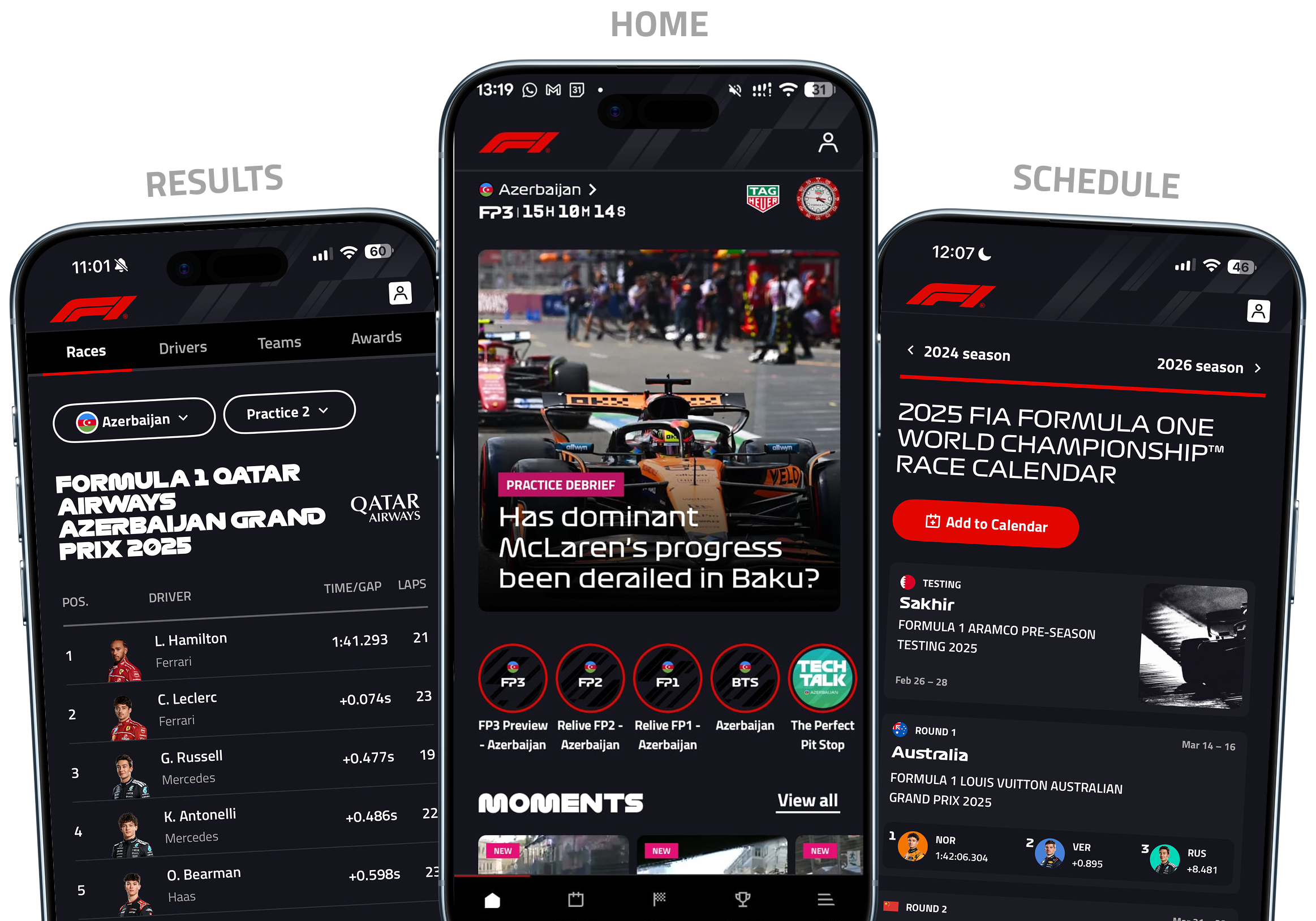
PRNDL Introduction

Given the volume and complexity of information presented in the F1 app, the absence of a shared system increases the risk of visual and interaction inconsistency.

The challenge revealed a gap in the product workflow, pointing to the need for a unified design system that enables consistency and efficiency at scale.
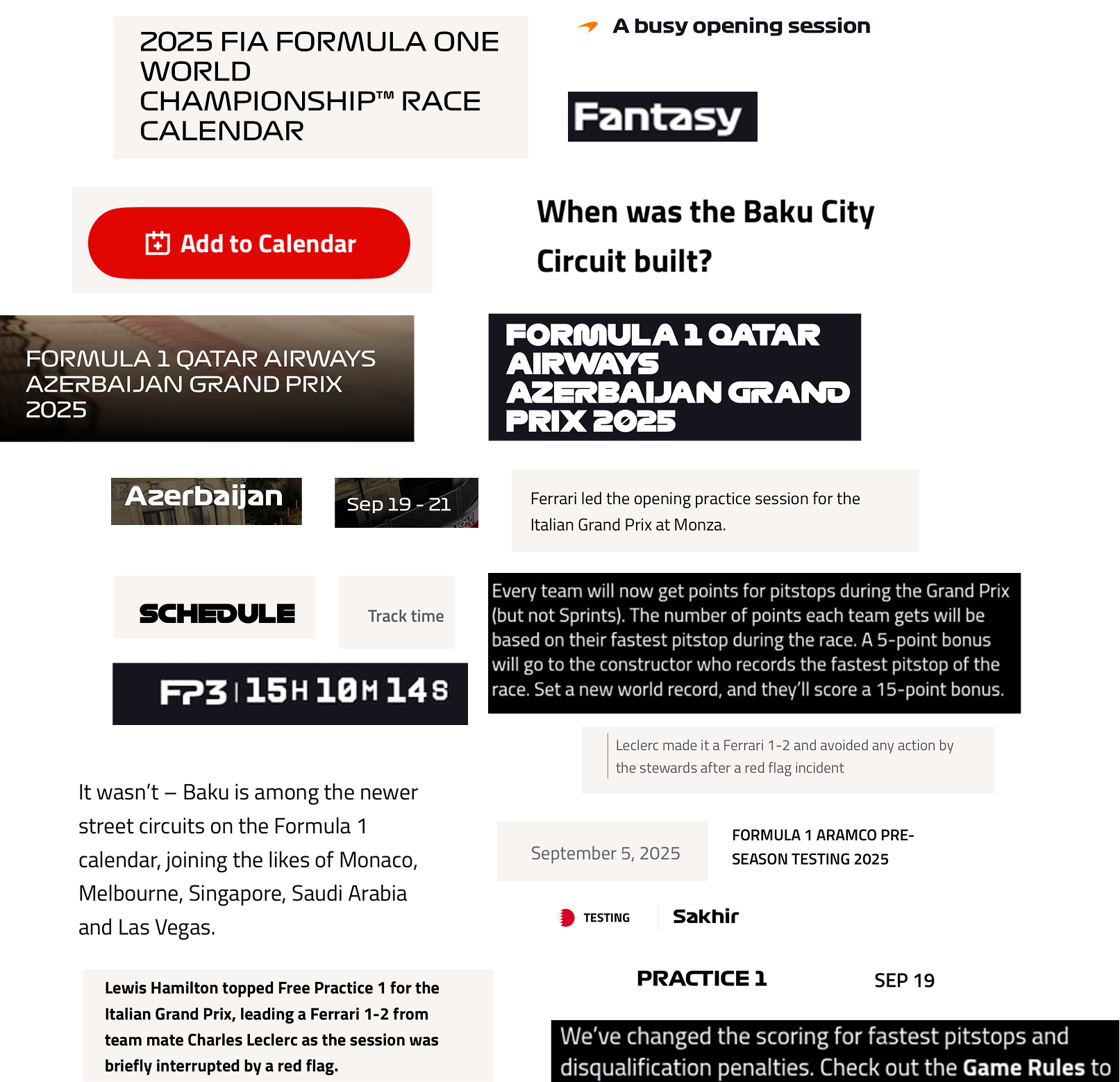
As the system expanded to include over 30 component variations, the absence of typographic standards led to inconsistent use of font size, weight, color, and typeface across the interface.

As the system expanded, text styles diverged across the product. Without a clear hierarchy or standard, typography became inconsistent, resulting in a fragmented interface and slower design decisions. In several cases, multiple text styles were used to convey the same information, adding unnecessary complexity.

The app's typography is split across three typefaces, assigning F1 Torque and F1 Regular to headings and titles, while using Titillium Web for body content.

3 different typefaces

No standard for weight and font size use

Too many variations of the font serving the same purpose

Typography example

Typography across the app lacked standardization, resulting in multiple typefaces and redundant text styles used inconsistently.

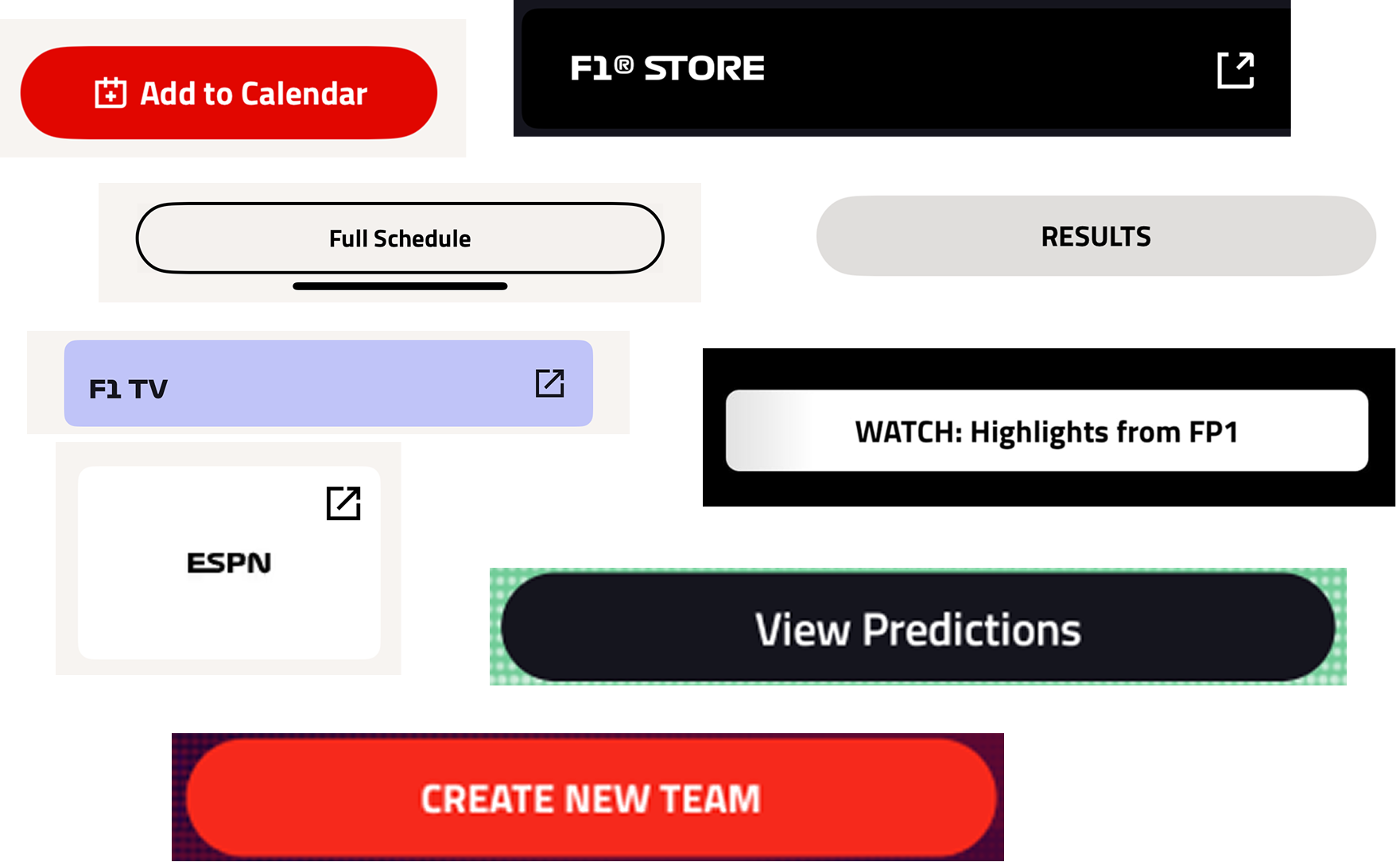
The use of more than 20 distinct button styles diminished action clarity and increased cognitive load.

The same actions were often represented by multiple external link CTAs, while button typography varied without clear reasoning. As a result, the number of button styles expanded beyond 20, limiting the product team's ability to reuse components effectively.

Button examples

3 different external link CTA

20+ unique buttons

Different font-style for multiple buttons

A lack of consistency in driver profile presentation and team color application weakened visual hierarchy and reduced a clear team-to-driver association.

Across the app, driver profiles lacked a unified visual approach. Multiple headshot styles were used in comparable contexts, and team colors were applied inconsistently, making it harder to visually connect drivers with their teams.

Redundant design

Multiple headshot styles and misaligned team colors reduced visual consistency across driver profiles.

This lack of standardization extended beyond core components, affecting tabs and icons and weakening the cohesiveness of the interface.

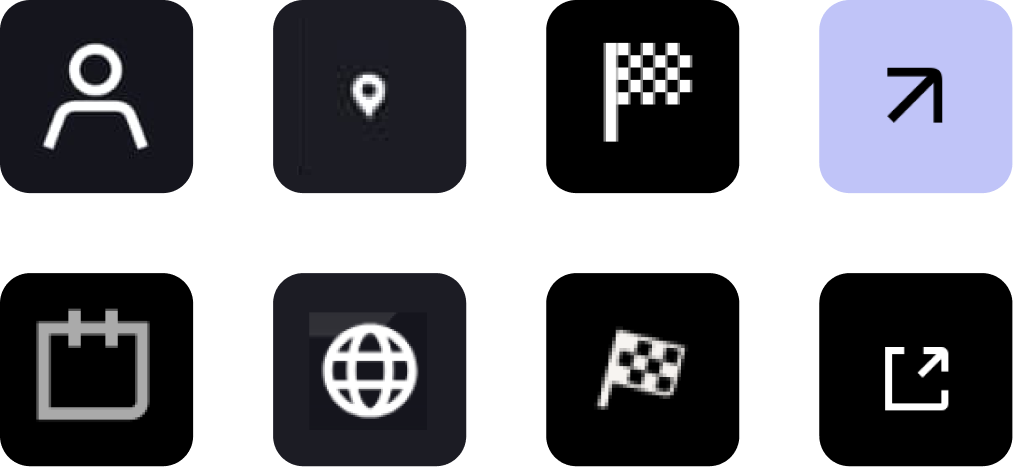
Smaller interface elements also showed signs of inconsistency across the app. Tabs performing the same function appeared in different styles on the Results and Fantasy pages, while icons varied in size and visual treatment. In several cases, identical icons, such as flags and external links, were presented in multiple forms, pointing to the absence of a unified icon system.

Tab inconsistencies

The same tab interaction is represented by two distinct visual styles in the Results and Fantasy sections.

Icon inconsistencies

Iconography varies across the app, with inconsistent proportions and duplicated icons styled differently.

Color usage and contrast were applied inconsistently, creating accessibility challenges and weakening overall visual unity.

In several areas of the app, contrast choices made interactive elements harder to see and use. For instance, the favorite icon often blends into team banners due to insufficient contrast, reducing its visibility and making interaction less intuitive.

The uneven use of pure black backgrounds across screens impacted text legibility and contributed to a less cohesive visual experience.

Low contrast example

The favorite icon blends into the car background due to low contrast, reducing its visibility.

Contrast issues

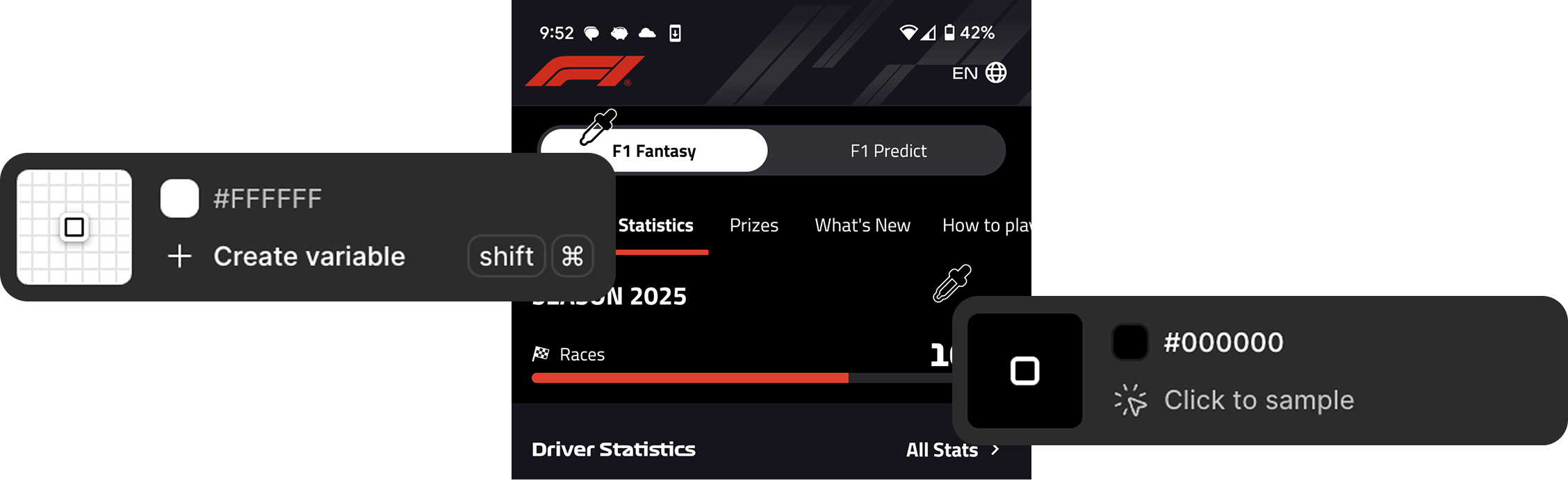
The use of pure black and white color values introduced unnecessary visual strain due to excessive contrast.

The F1 Design System - PRNDL

On the track, every decision in Formula 1 is intentional. Every gear shift matters. Off the track, the app needed that same level of discipline. PRNDL was created as the design system that brings Formula 1's precision into its digital product.

A restructured typography system

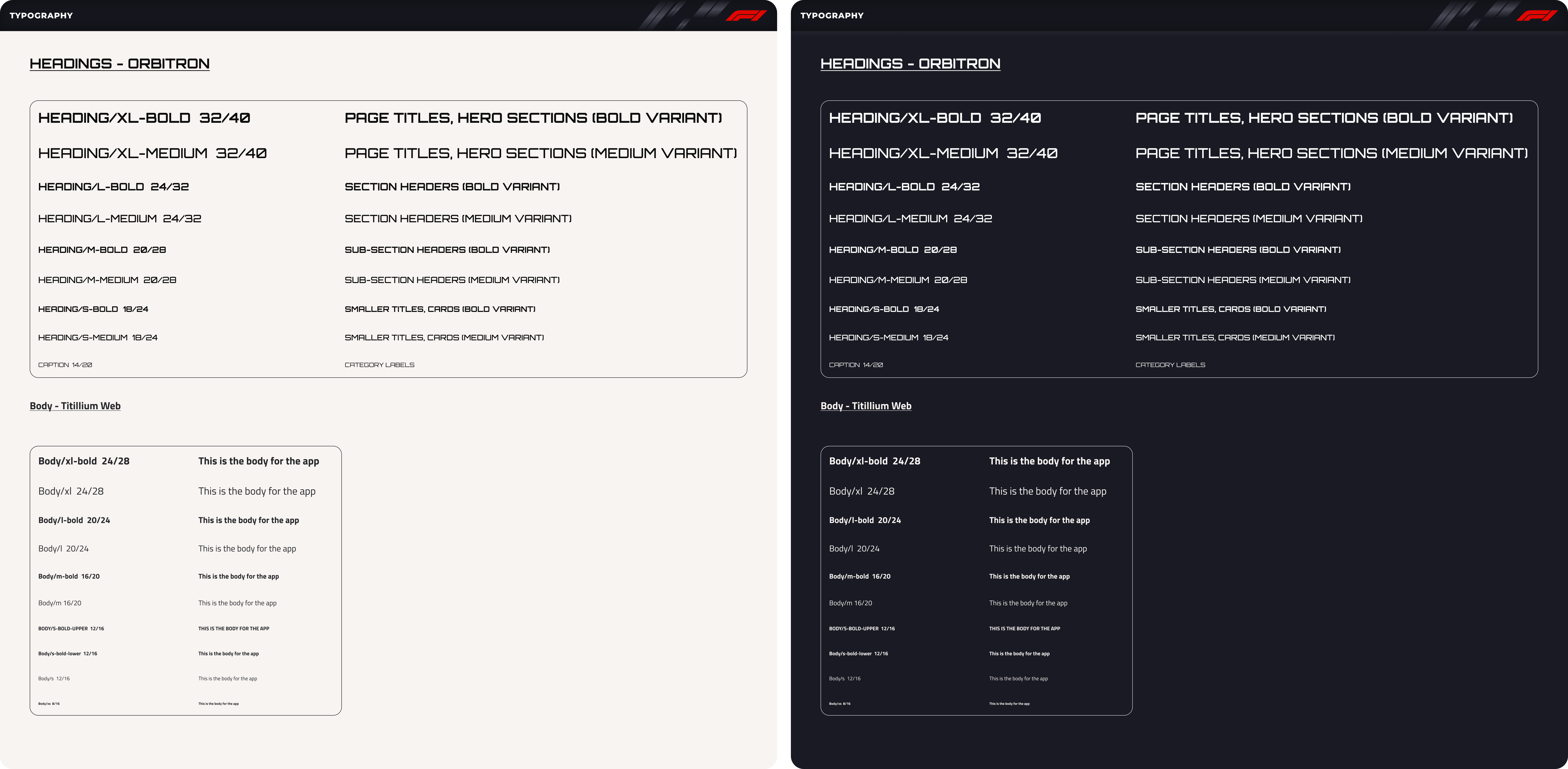
The typographic system was restructured to use two typefaces, assigning Orbitron to headings and Titillium Web to body text.

Headings were standardized into four sizes, while body text was constrained to six sizes with two weight variations, reducing complexity and improving consistency.

Typography system

A restructured typography system with fewer typefaces and standardized styles to improve hierarchy, readability, and consistency.

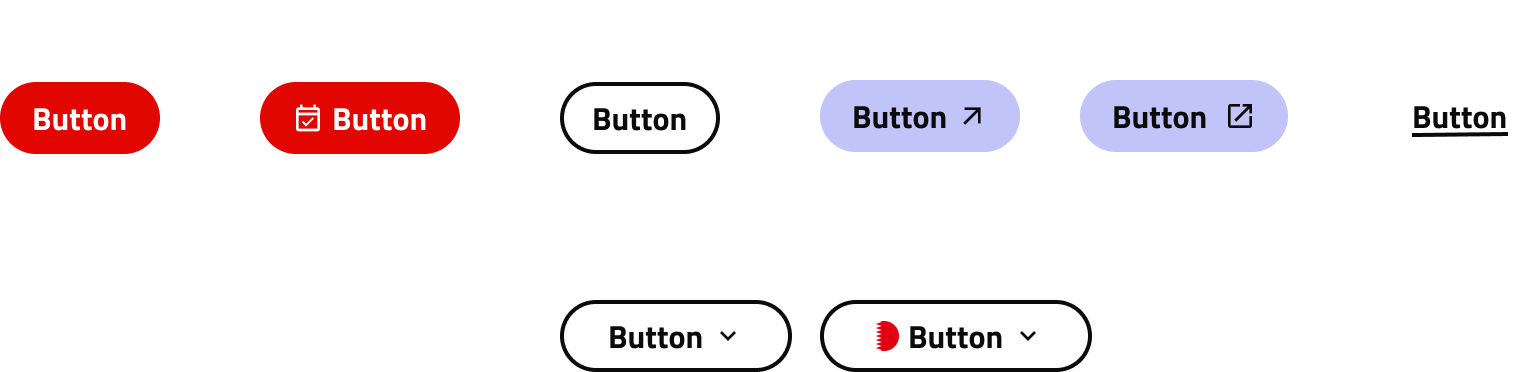
Button styles were consolidated from over 20 to 8, improving clarity and reducing cognitive load.

Redundant button patterns were eliminated to streamline the system. External link CTAs were unified, and button typography was standardized. This made it easier for the product team to reuse components and maintain consistency across the interface.

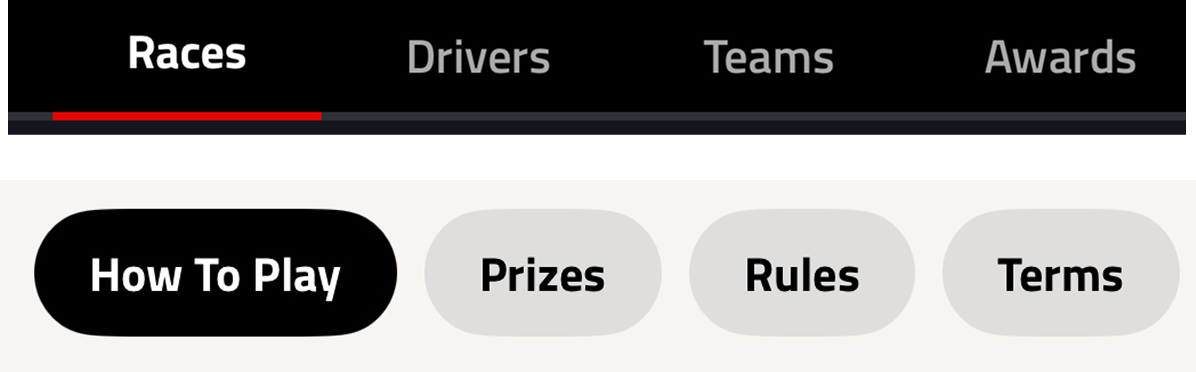
Button system

Variants of PRNDL's Button designs

Redundant components were consolidated into standardized patterns, reducing visual noise and improving reusability across the interface.

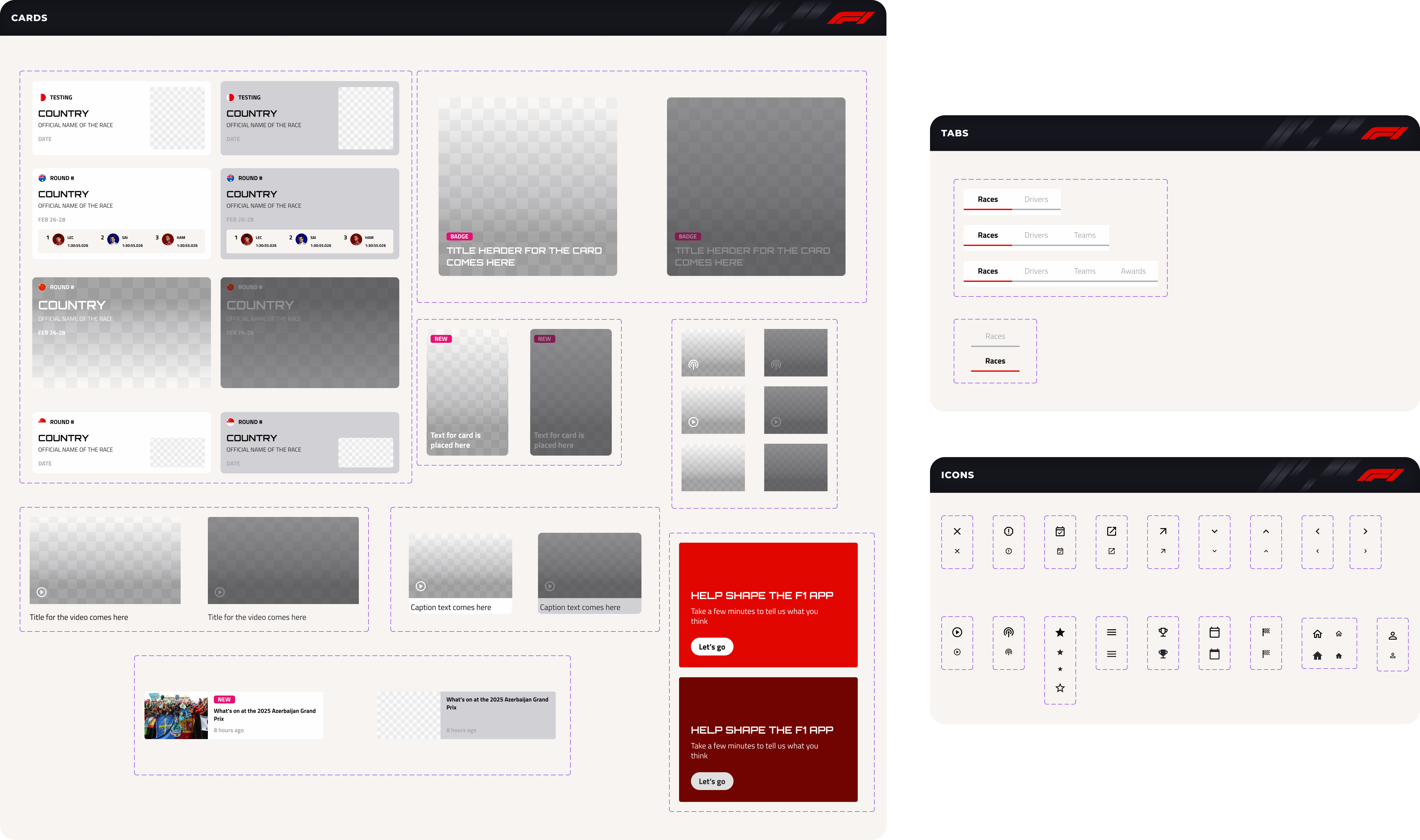
Duplicate components were eliminated throughout the platform, and a consistent icon system was introduced based on Material Design's icon library.

Cards and tabs

Cards, Tab, and Icon Components

Creating visual consistency between teams and drivers

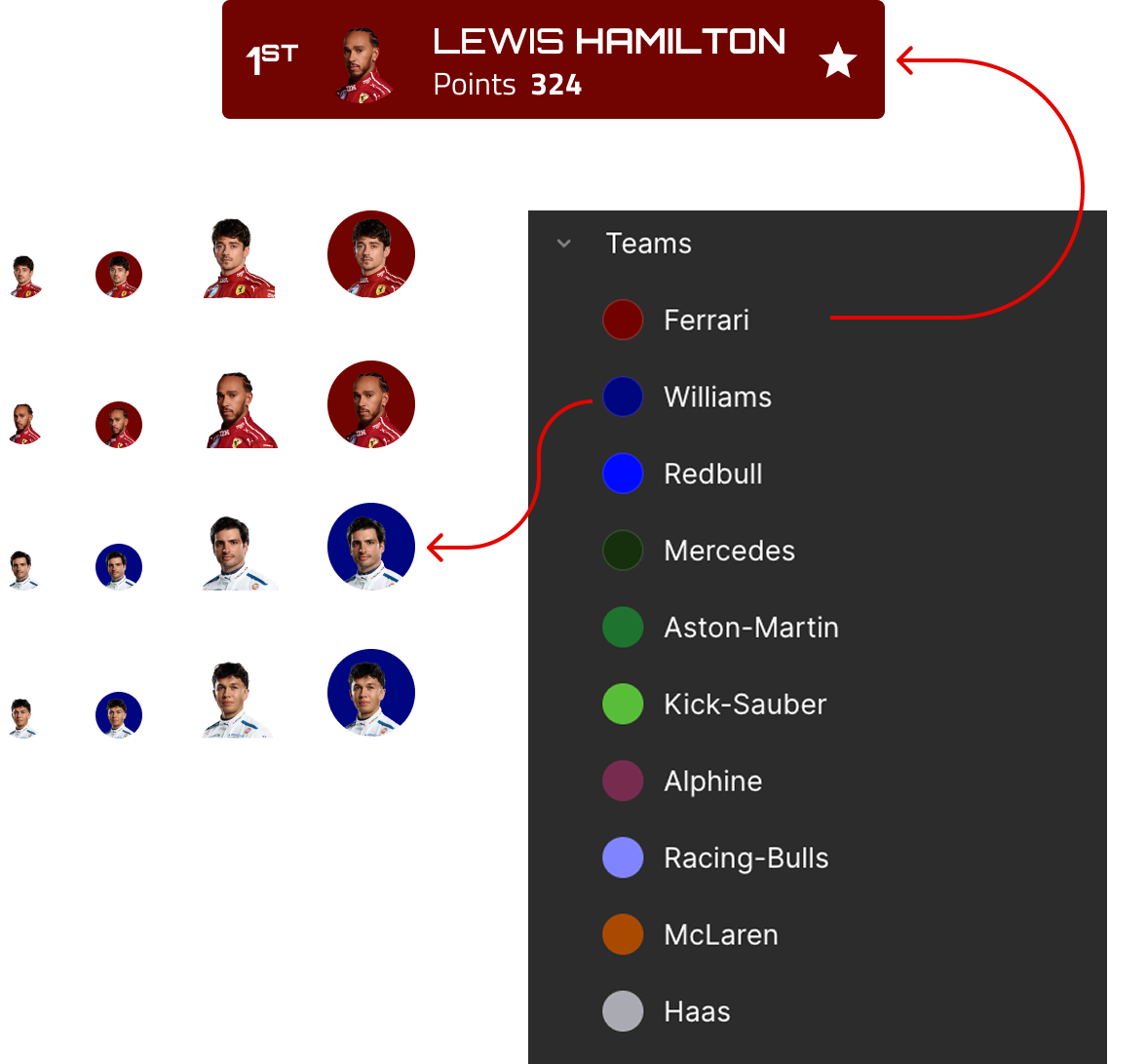
To reduce variation, driver profiles were consolidated from four different styles into two clear treatments. We also introduced team color tokens so colors remain consistent across driver profiles and team-related UI elements.

Teams and drivers

Defined reusable team color tokens to maintain consistency across driver and team elements

Nesting allows components to update seamlessly within patterns, reducing manual work and improving efficiency.

Driver variants are managed within the race schedule using nested components

With clear tokens, nesting logic, and component properties in place, the UI kit removes friction and helps designers move quickly across diverse use cases.

Component properties successfully conveyed much of the UI logic, but usability testing revealed opportunities to strengthen the system's core foundations.

Once the initial version of the UI Kit was built in Figma, we validated it by having a designer use the system to construct a screen. They were able to assemble layouts quickly using existing components without additional guidance. However, certain moments revealed uncertainty around spacing choices and appropriate text sizes, pointing to gaps in the foundational rules.

Test results Quote from participant

Quote from a design participant

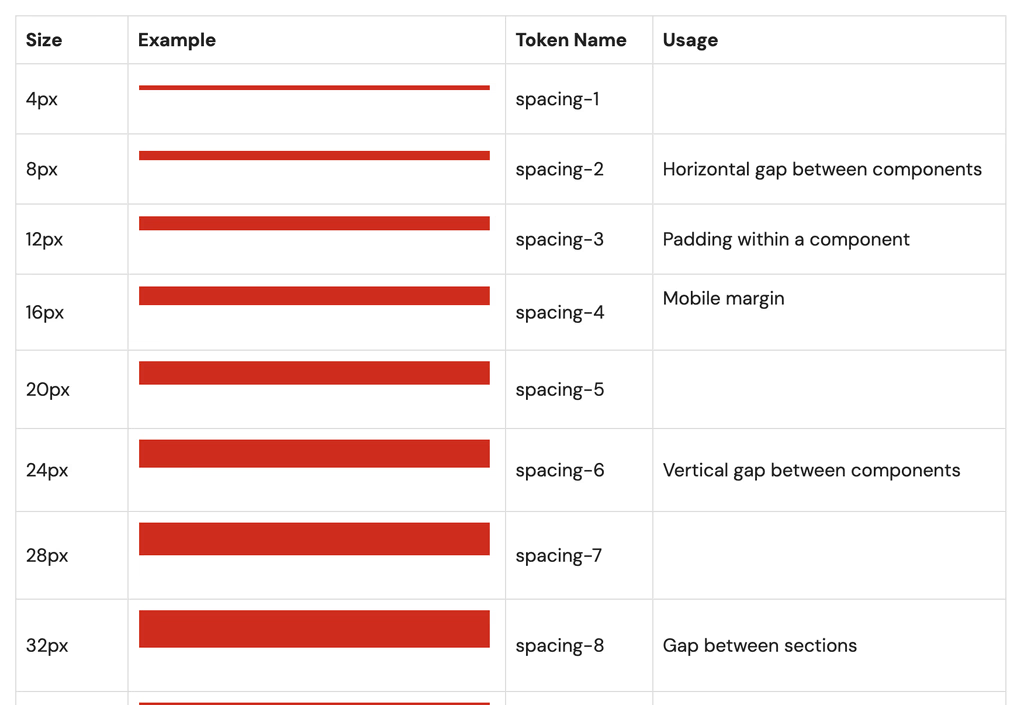
To reduce uncertainty, we added clear use cases directly within the UI Kit and documentation.

These examples help designers understand how and when to apply spacing decisions, making the system easier to use and more intuitive.

Spacing guidelines

Guidelines for spacing usage

A robust Figma UI kit paired with detailed documentation

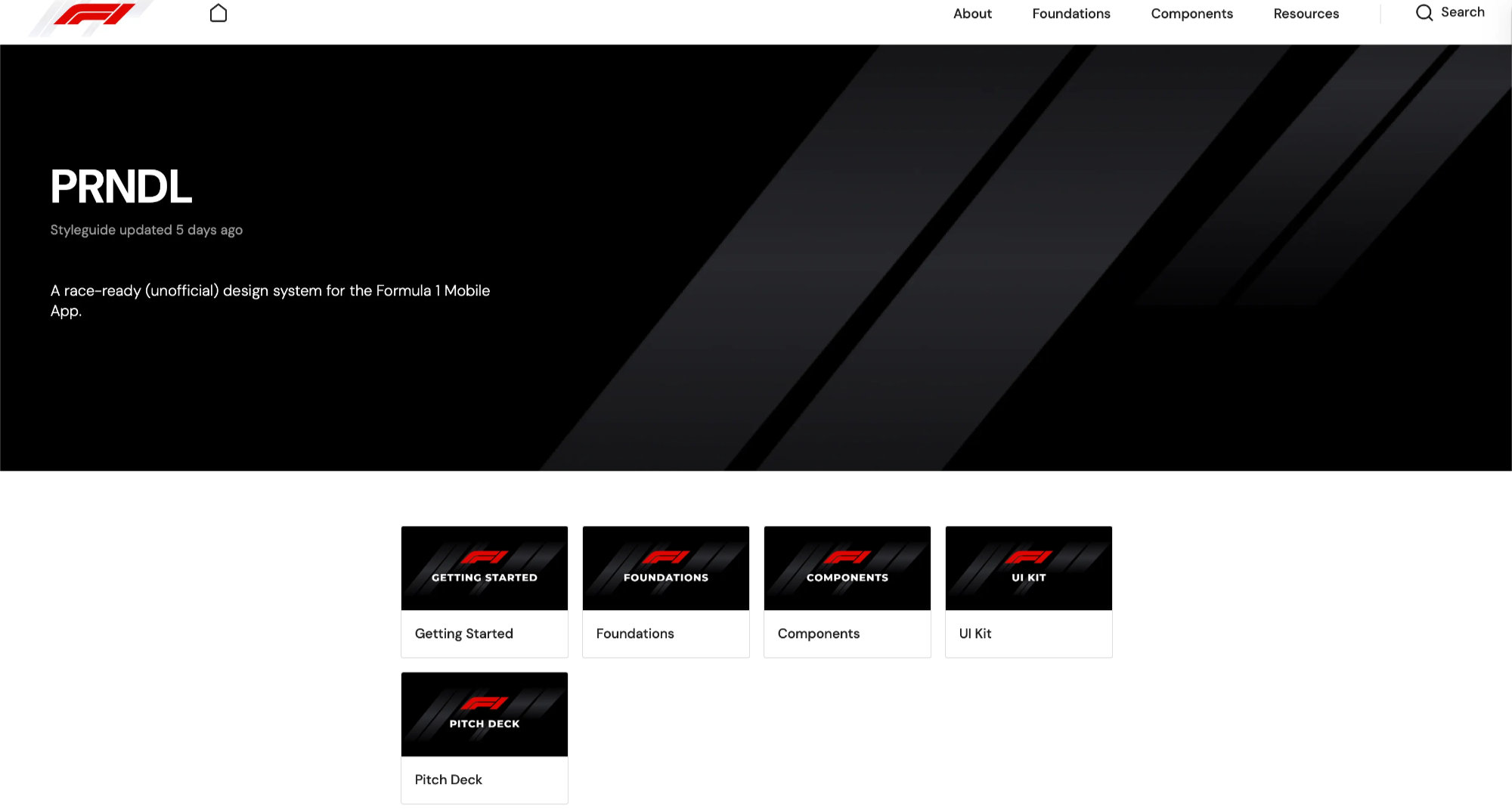
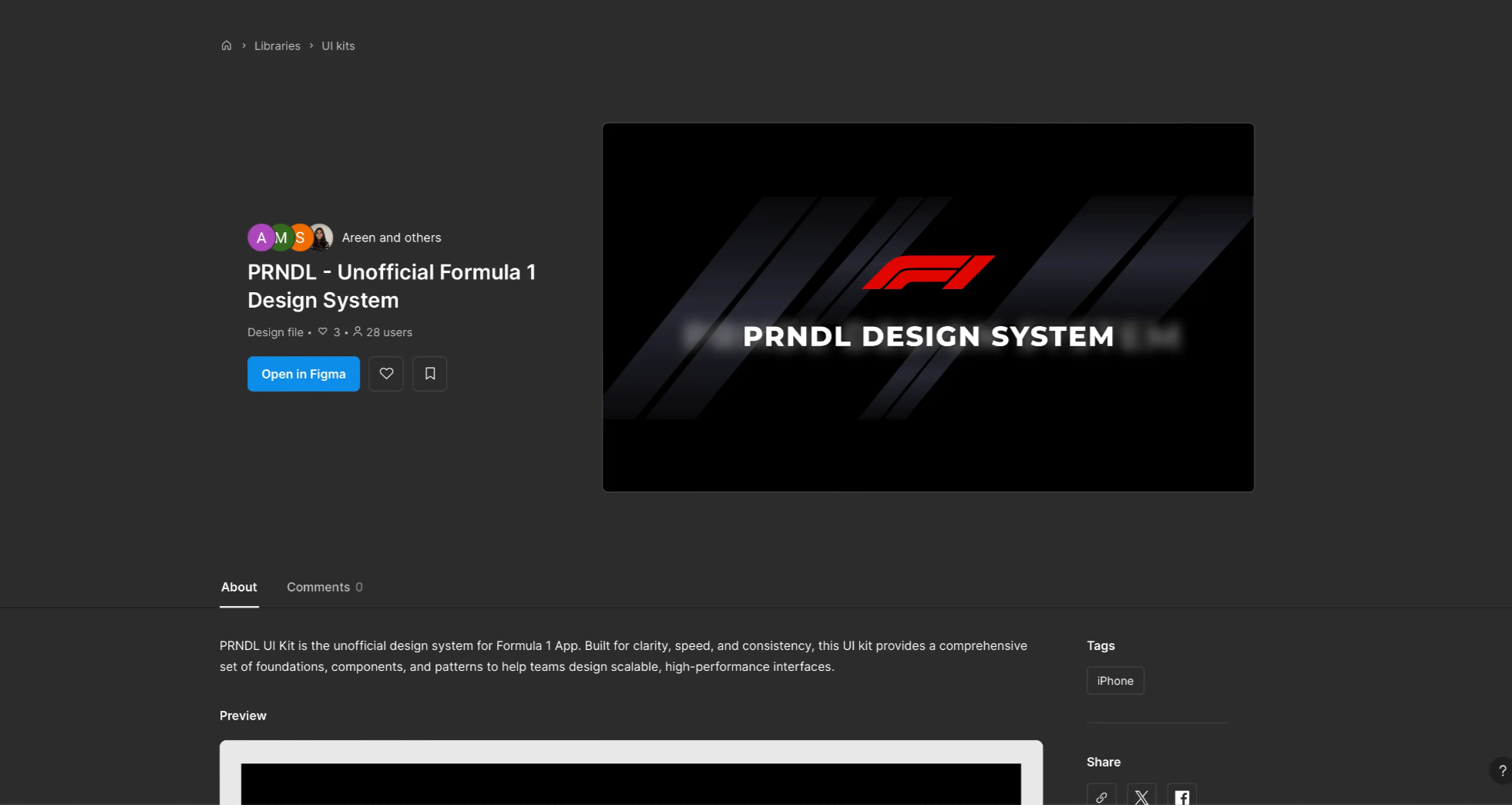
To make the system easy to adopt and reuse, we created a robust Figma UI kit paired with detailed documentation. Together, they provide designers with a clear reference for applying components, patterns, and standards across the F1 app.

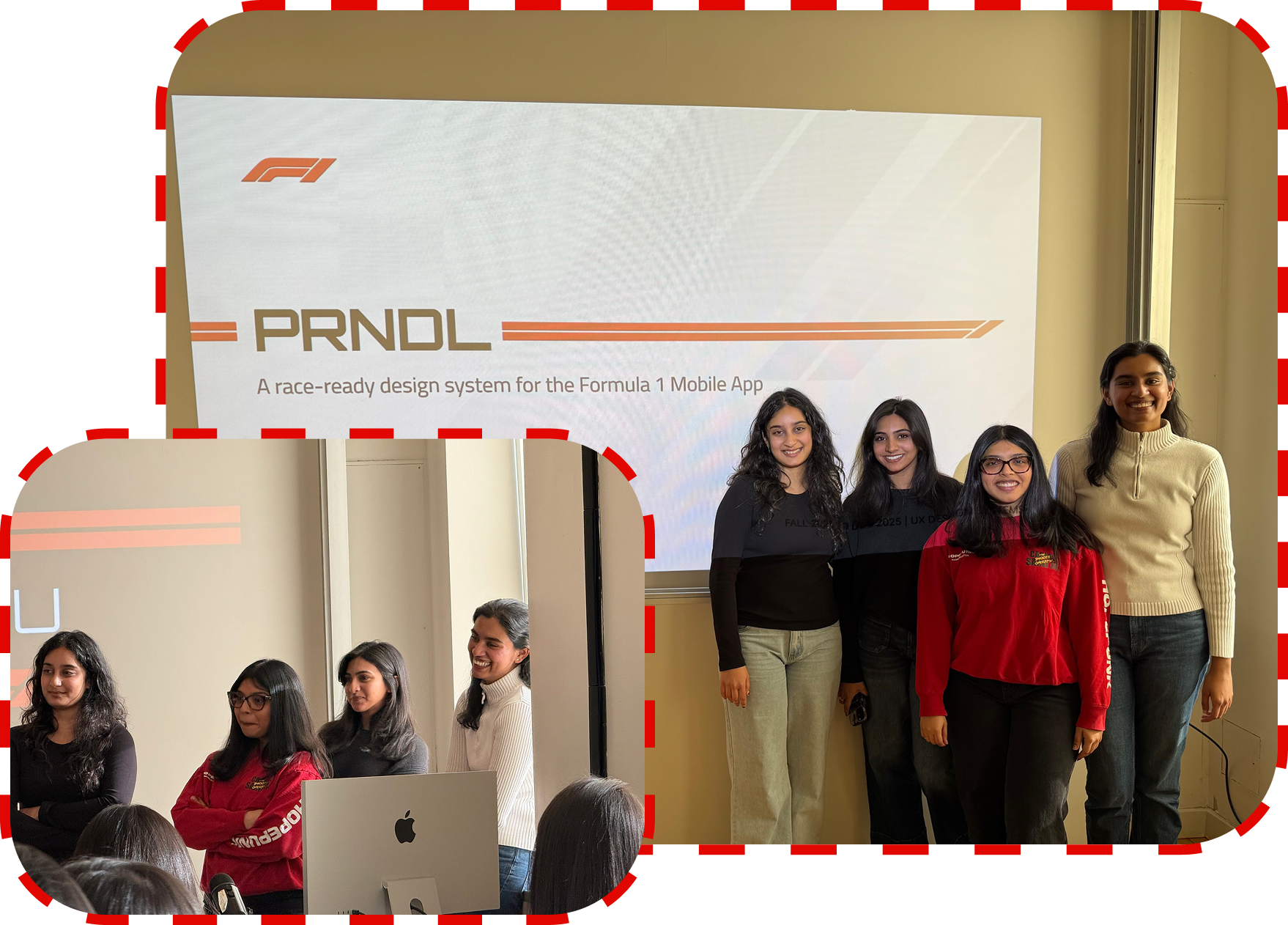
The project concluded with a presentation of the design system to a hypothetical group of internal stakeholders.

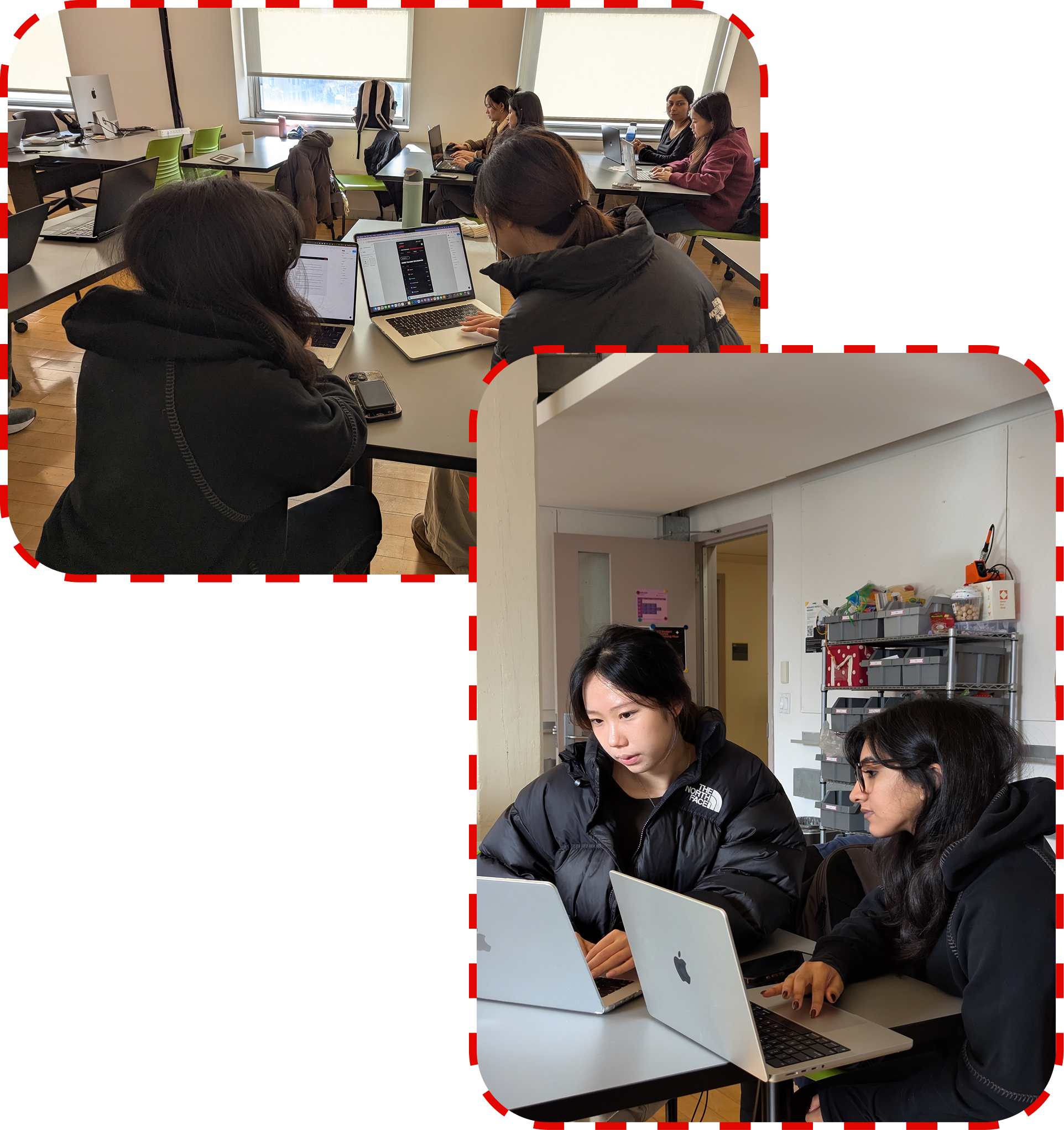
Team photo

Big thanks to my teammates, Areen, Merlyn, and Sisira, for being an incredible pit crew throughout this race, and to our professor, Craig MacDonald, for the guidance that helped shape this project!

Available for freelance work

Let's work
together?

or we can have a coffee chat

ritikarramesh@gmail.com